

Worried a tablet won’t survive your child, or their screen time? The best tablet for kids pairs a tough case, strong parental controls and age-matched content. Amazon’s newest kids models show what to look for.
If you are weighing devices for the whole household, start with our guide on how to choose technology for your family.
| Item | Value |
|---|---|
| Amazon Kids Tablet 8 starting price | $229.99 |
| Amazon Kids Tablet 11 starting price | $329.99 |
| Kids+ subscription included with the tablet | A year |
| Kids+ renewal price | $7.99/month for Prime members, $8.99/month for non-Prime customers |
| Warranty | 1-year limited warranty |
| Child profiles in Parent Dashboard | Up to four children |
These figures come from Amazon’s own announcement of its kids tablets, published in October 2026. Prices, bundles and terms can change, so check the source before you rely on them.
What makes a tablet durable enough for a child
Durability starts with the case. According to Amazon’s announcement, each new Amazon Kids Tablet ships with either a soft bumper for younger kids or a slim hard case for older kids.
Backing matters as well. Amazon says every tablet carries a 1-year limited warranty, so read the terms to see what a limited warranty actually covers before you assume a drop is included.
When you compare any child’s tablet, check these points:
- Whether a protective case is in the box or a separate purchase.
- The length and terms of the warranty.
- Storage for offline downloads: Amazon lists 64 GB for its 8.7-inch model.
- Battery life: Amazon lists 14-hours video playback for that same model.
Which size and age version fits your child?
Amazon’s lineup comes in 8.7-inch and 11-inch sizes for kids ages 3+ and 6+, as the company describes it. The smaller model is the simpler fit for a preschooler’s hands, while the larger one suits older children who draw or do schoolwork.
Here is how Amazon separates the two sizes:
- 8.7-inch: a vivid display, 14-hours video playback and 64 GB of storage for shows, games and books to enjoy offline.
- 11-inch: a 2.5K display, 8 GB of RAM for graphics-intensive experiences, and stylus support for drawing and homework assignments.
If your child’s homework is heading toward typing long essays, compare a tablet with our guide to the best laptop for school.
Parental controls to look for
Good controls should work on the device and from your own phone. Amazon’s Parent Dashboard comes pre-installed on each tablet and is also a free app for iOS and Android, which Amazon says allows remote management.
From the dashboard, Amazon says parents can:
- Set screen-time limits and monitor their child’s activities.
- Find age-appropriate books, apps, games, videos and audiobooks.
- Control web browsing.
- Pause or resume a child’s device remotely from anywhere.
- Create profiles for up to four children.
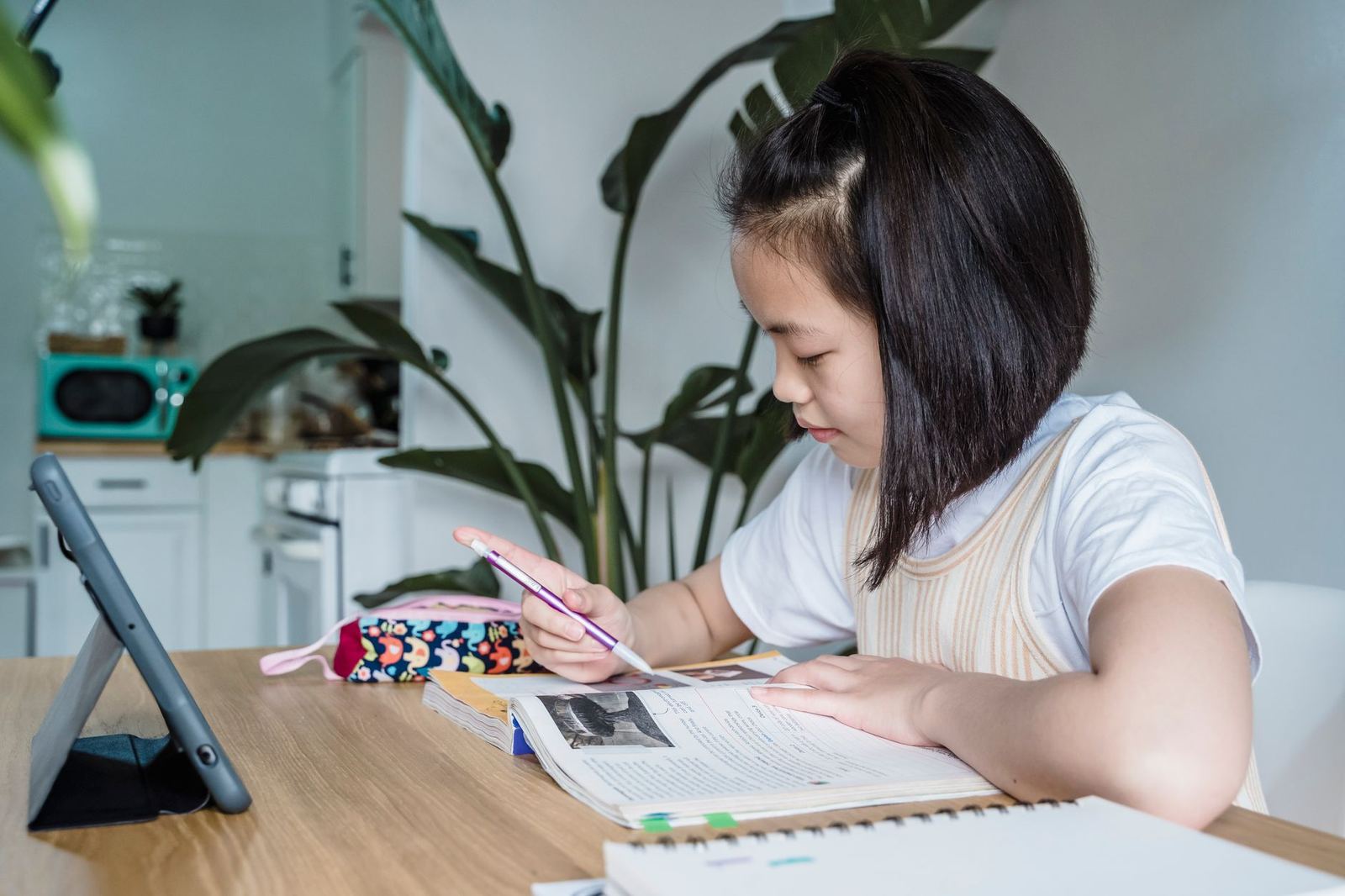
Whatever brand you pick, test the controls yourself before handing the tablet over. A setting you never configured will not protect anyone.
Matching content to your child’s learning needs
Learning goals can be set up inside the controls. Amazon describes Learn First goals that prioritize Kids+ reading and educational apps before entertainment, as listed in its announcement.
The bundled Kids+ library draws on brands such as Disney, Nickelodeon, LEGO and Sesame Street, according to the same page. Amazon also calls the content ad-free and age-appropriate.
The new Storybuilder feature lets kids use their voice to create characters and worlds that become picture books and comic books. Because it is an AI-powered feature described by the maker, try it alongside your child first and look at what appears in the dashboard.
If your child is also asking for a phone, our guide to the best first phone for kids treats that as a separate decision.
What it costs and when it ships
Per Amazon’s October 2026 announcement, the Kids Tablet 8 starts at $229.99 and the Kids Tablet 11 starts at $329.99. Both were open for pre-order then, with shipping on October 14 in the U.S., Mexico, Canada and Japan.
The same announcement lists October 19 for the UK, Germany, France, Italy and Spain. After the included year of Kids+, plan for $7.99/month if you are a Prime member or $8.99/month if you are not.
This is one maker’s launch information, not an independent test. Read hands-on reviews and compare at least one rival before you buy.
Frequently asked questions
Do I have to keep paying for Kids+?
Show answer
The first year arrives with the tablet, so the cost question comes later. Renewal pricing depends on Prime membership, and the cost section above shows the amounts as of Amazon’s announcement. Check the source for updates before you renew.
Can my child download any app?
Show answer
Not without you. Amazon says every download goes through parental approval, so Google Play access stays under your control.
Can I manage the tablet from my own phone?
Show answer
Yes, if you use Amazon’s model. A free companion app for iOS and Android lets you adjust settings away from home, according to the maker’s page.
Is a manufacturer’s announcement enough to choose a tablet?
Show answer
Treat it as a feature checklist, not a verdict. Pair it with independent reviews, then confirm case, warranty and controls match your child’s age.