
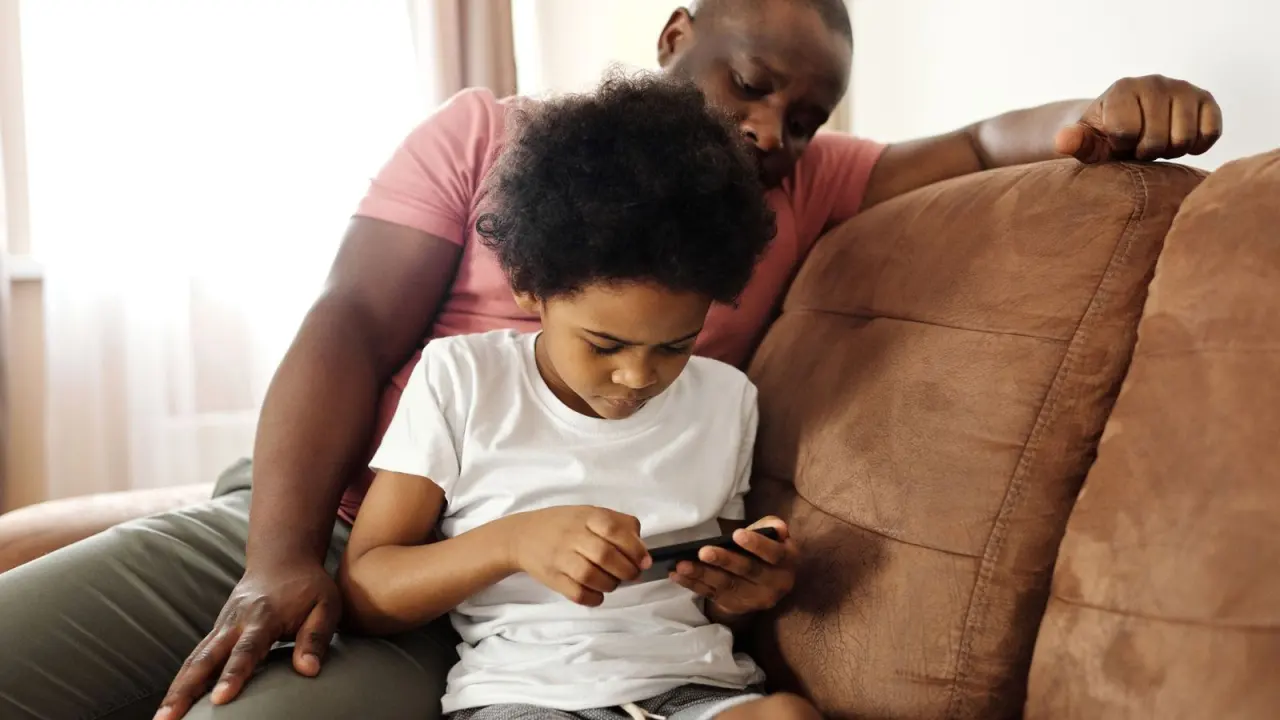
You want your child to enjoy playing with friends without strangers reaching them. Online gaming safety for kids starts with three habits: lock down privacy settings, use block and report tools, and keep talking about what happens in chat.
This page is part of our wider parents guide to video games, which covers the rest of family gaming.
| Item | What the source says |
|---|---|
| Where privacy is set | Account Management on the web |
| Privacy controls listed | Five: play invitations, trophy list, messages, friend requests, voice and chat invitations |
| Child accounts | The family manager may manage which privacy settings a child can change |
| Parent visibility | Activity can be seen through the PlayStation Family app |
| Blocked player | Cannot message you or join your party |
| Reported content | Moderators review each report |
These points come from PlayStation’s safety guide for players. Platforms change their tools and wording, so check the source before you rely on them.
Start with privacy settings
On PlayStation, privacy settings are controlled through Account Management on the web, according to the platform’s safety page. You can set preferences for who can contact your child and what others can see.
The page lists these controls:
- Who can send invitations to play online
- Who can see the list of trophies
- Who can send messages
- Who can send friend requests
- Who can send voice and chat invitations
For a child member of a family, the family manager may manage which privacy settings the child can change, per the same PlayStation page. That means a parent can decide how much freedom a young player has.
Other consoles, PC launchers and mobile games may offer their own versions of these menus. Look for the equivalent of each control on every platform your child uses.
What personal details should stay out of chat?
The PlayStation guidance says players should not expose information such as an address, phone number or other personal details, as noted on its safety page. It adds that sharing these details increases the risk of identity theft, stalking and harassment.
Messages, voice chat, photos and videos are all ways to connect, and each one can give something away. A simple test for your child is to ask whether everything they post is okay for anyone to see.
It helps to agree a short private list at home:
- Home address and phone number
- Any other detail that could identify or locate your child
- Photos or videos you would not want a stranger to see
How block and report tools work
Your child does not have to interact with anyone who makes them uncomfortable. On PlayStation, blocking a player means you won’t see their posts and they won’t be able to message you or join your party, as the safety guide explains.
Blocking is for your own experience. Reporting is for the wider community, and it works differently.

If a player shares content that breaches the Code of Conduct, the guide says to use the reporting feature. Moderators review each report to decide whether the Code of Conduct has been breached. If it has, the content is removed and appropriate action is taken against the offender, according to PlayStation.
Show your child where these buttons are before something goes wrong. Knowing the steps makes it easier to act calmly.
Where parents fit in
PlayStation says parents and guardians can see a child’s activity if they use the PlayStation Family app, per its safety guide. Tools like this give you a view, but they work best alongside conversation.
Before a new game arrives, it is worth reading the video game age ratings to see what a title includes. If you are still choosing what to buy, our list of the best family video games is a gentler place to start.
Building a habit of talking about chat
Settings reduce risk, but they cannot replace a child who feels able to tell you when something feels wrong. Aim for a calm, regular check-in rather than a single serious talk.
- Ask who they played with and what the chat was like.
- Go through the privacy settings together and explain why each one matters.
- Practise blocking and reporting on a test account or a menu screen.
- Agree that they can come to you without losing their gaming time.
The last step matters most. A child who fears losing the console may hide a problem instead of reporting it.
Frequently asked questions
Can my child limit who messages them in a game?
Show answer
On PlayStation, yes: the privacy controls include who can send messages, friend requests and voice and chat invitations, as of the platform’s safety page. For younger children, the family manager may decide which of these they can change.
What should I do if a stranger makes my child uncomfortable?
Show answer
Have your child block the player so they cannot message them or join their party. Then report any content that breaks the Code of Conduct so moderators can review it.
Is it safe to share a real name or location in chat?
Show answer
The guidance advises against giving out an address, phone number or similar details. Treat anything that points to who your child is or where they live as private.
Do these settings work on every gaming platform?
Show answer
The source describes PlayStation only. Other platforms may have comparable tools, so check each one’s own safety or parental controls page.